The right web design course for beginners focuses on three things: practical skills, a format that suits your life, and a clear path to an outcome you want. And what those three look like depends entirely on your goal.
Still, most beginners pick a course based on the title alone, without checking what’s inside. By the time the mismatch shows up, you’re already weeks in and back to square one.
This guide cuts straight to what you need to know. We cover what beginner courses include, how formats compare, what to check before signing up, and how to find one that fits your goals.
Let’s get into it.
What Do Web Design Courses for Beginners Cover?

A beginner web design course covers the skills needed to plan, build, and style a working website. Most courses start with the technical side first, then layer in design principles.
Think of it like a learner’s permit. You wouldn’t pull onto a highway before knowing how to steer. Web design works the same way.
Before picking a course, it helps to know what’s typically inside one:
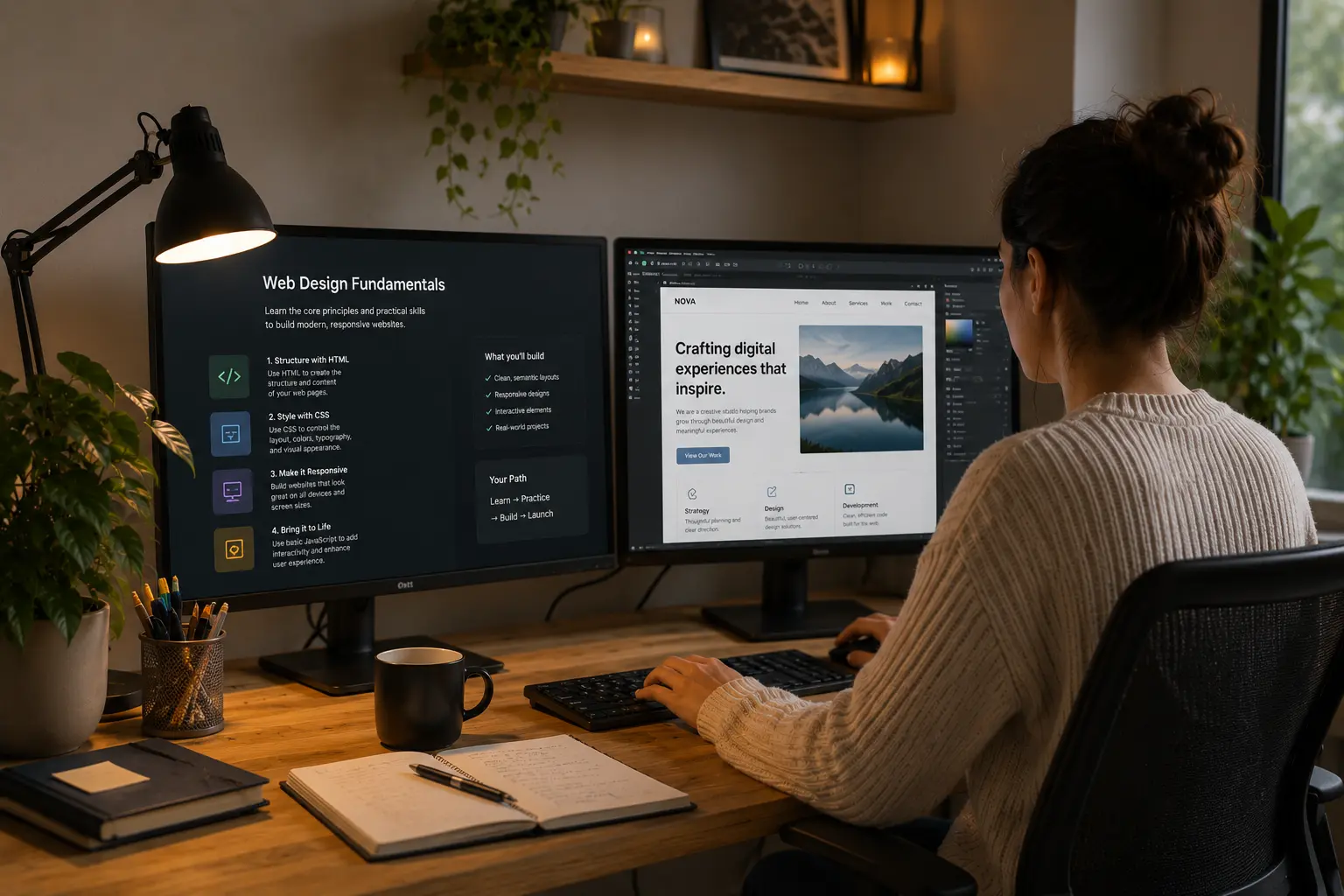
HTML, CSS, and the Basics of Web Development
HTML defines a webpage’s structure, and CSS controls how that structure looks visually. Together, they form the base of every website on the internet. MDN Web Docs lists both as the first stop for anyone learning web development from scratch.
From there, development courses bring in tools like version control. This tool helps you track changes and avoid losing work mid-project (even Squarespace runs on HTML and CSS). The W3C also notes that learning web standards early prevents beginners from picking up poor coding habits that are hard to fix later.
Responsive Design, User Experience, and Graphic Design
Once the technical foundations are covered, most web design courses shift toward how people use websites. Responsive design is a big part of that as it covers how a site behaves across phones, tablets, and desktops.
User experience and user research training build on that. Both teach you to design around real browsing behaviour, so your websites are easier for people to use. Graphic design complements these skills by refining the colour, typography, and layout that make a website look clean and professional.
The Types of Web Design Courses Available to Beginners
Most beginners choose between online courses, in-person classes, or a nationally recognised certificate. The format you pick determines how well your skills develop.
And each one comes with its own set of trade-offs:
Online vs. In-Person Learning
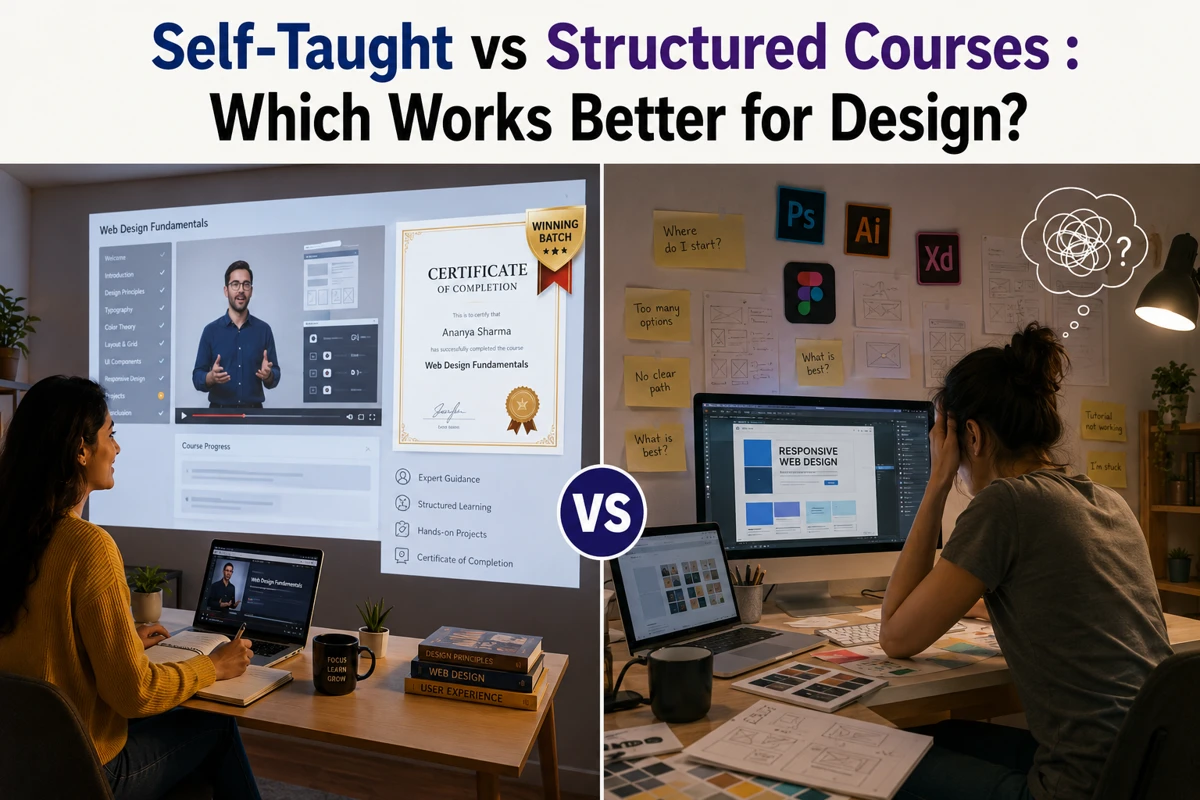
Online courses offer flexibility for people juggling work, family, or irregular schedules across Australia. Because you set your own pace, you can revisit tricky concepts without feeling rushed.
In-person courses are a different experience altogether. Direct instructor feedback helps beginners catch and correct things like poor code structure and weak layout decisions early.
And regardless of format, the best courses include hands-on projects where you build real websites, because that’s where skills truly develop.
Certificate III and Certificate IV Qualifications
For beginners wanting a more structured path, Certificate III and Certificate IV qualifications are the two most common starting points.
Certificate III covers core web design and development fundamentals, giving you a nationally recognised starting point. Certificate IV goes deeper. It covers user interface design and more complex web development skills (Certificate IV opens doors; YouTube courses won’t).
Both qualifications carry real weight with Australian employers and clients.
What to Check Before You Enrol in Any Web Design Course

A course title tells you very little about what’s actually inside. Before signing up, check the curriculum, practical projects, and course outcomes, because those three things reveal what the course is really worth.
Course titles can be misleading, and “Complete Web Design Masterclass” is a good example of that. From our experience reviewing curricula with students before enrolment, the same gaps keep showing up.
Here’s what to check:
- Curriculum Depth: HTML, CSS, and responsive design techniques should all appear in the curriculum. Without them, you’ll end up relying on templates and drag-and-drop tools instead of building real websites.
- Practical Projects: Beyond the curriculum, a course that keeps you in theory mode the whole time leaves you with nothing to show at the end. On the contrary, web design courses with genuine website development projects give you work to show clients and employers before you’ve even landed your first job.
- User Interface Focus: User interface design is just as important as the technical side. In fact, a technically sound website with poor UI still drives visitors away within seconds.
- Course Outcomes: And finally, read the outcomes page before anything else. A course with clear goals will tell you which skills you’ll have by the end. Vague language like “gain exposure to web design” means the course can’t make that promise.
When a course covers all four, you leave with skills you can use on a working project straight away.
How to Pick a Course That Fits Your Goals
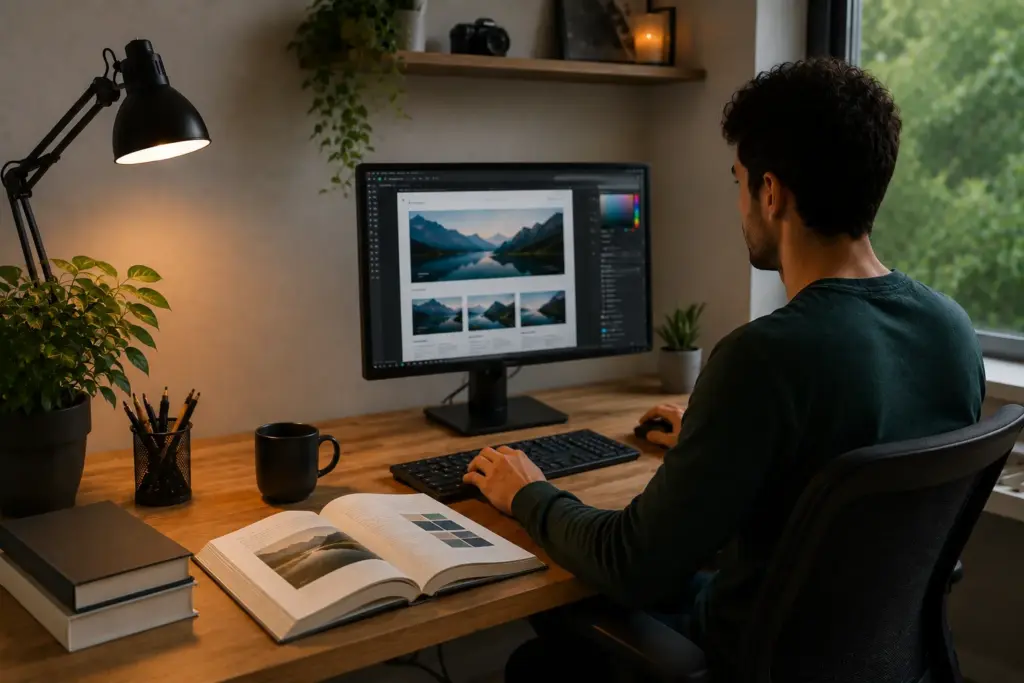
The most practical way to pick the right course is to start with your end goal. A beginner building their own website needs different training than someone aiming to work with clients professionally.
For a personal project, a hobbyist course covers layout, colour, basic user experience, and enough web design skills to build and manage your own website confidently.
A career-focused course, though, is a different story. It goes deeper into web development, client briefs, and the design standards that professional web designers work with daily.
One prepares you to build a personal project, and the other prepares you for a job. If you’re leaning toward a career as a web designer, job listings are a surprisingly useful guide for figuring out which skills to prioritise in a course.
Cost, Time, and What to Expect When You Study Web Design
Cost and time commitment are the two things most beginners check last, and that’s usually what leads to dropping out. To give you a clearer picture, this is how the main course types stack up:
Course Type | Cost | Time Commitment |
Free tutorials | $0 | Self-paced, a few hours to weeks |
Short online course | $100-$500 | 4-8 weeks |
Certificate III | $1,500-$3,000 | 6-12 months |
Certificate IV | $3,000-$6,000 | 12-18 months |
Free tutorials are easy to start and to abandon. A Certificate IV, on the other hand, runs for up to 18 months with structured assessments along the way. We’ve worked with students and know that the ones who finish are the ones who went in with a clear plan.
Ready to Find Your Web Design Course?
As you’ve learned, web design is a skill that opens real doors for freelance work, business websites, and full-time careers. In fact, demand for web designers across Australia continues to grow. The right course gets you job-ready with a portfolio that reflects the skills Australian employers are actively hiring for.
This article covered what beginner courses include, the formats available, what to check before enrolling, and how cost and time vary. Together, those points give you a clear picture of what to look for prior to signing up.
If you’re ready to take the next step, Class Room Encounters offers web design courses focused on practical skills and real project work. Our team will take you through every step you need to build confidence and land real results.