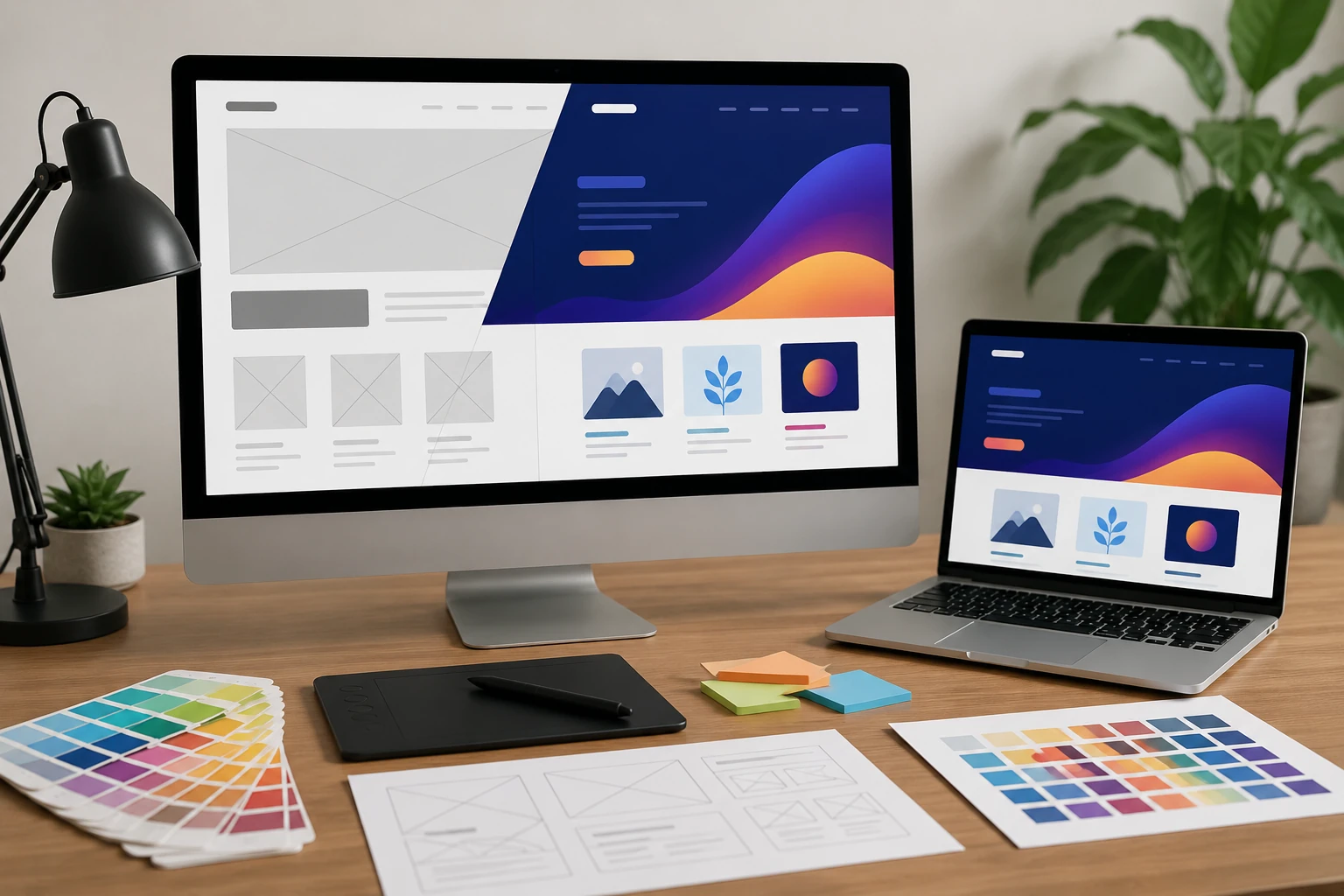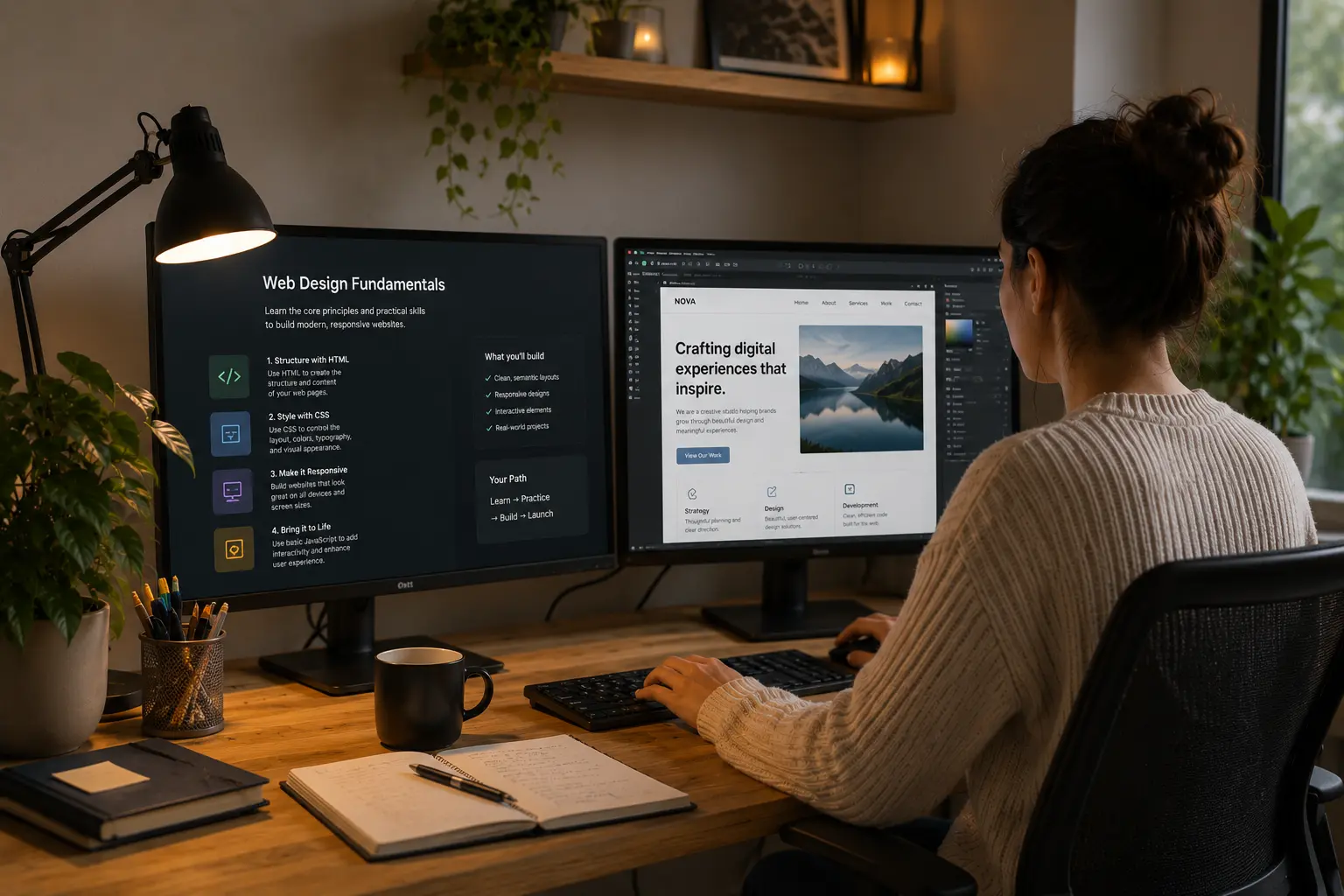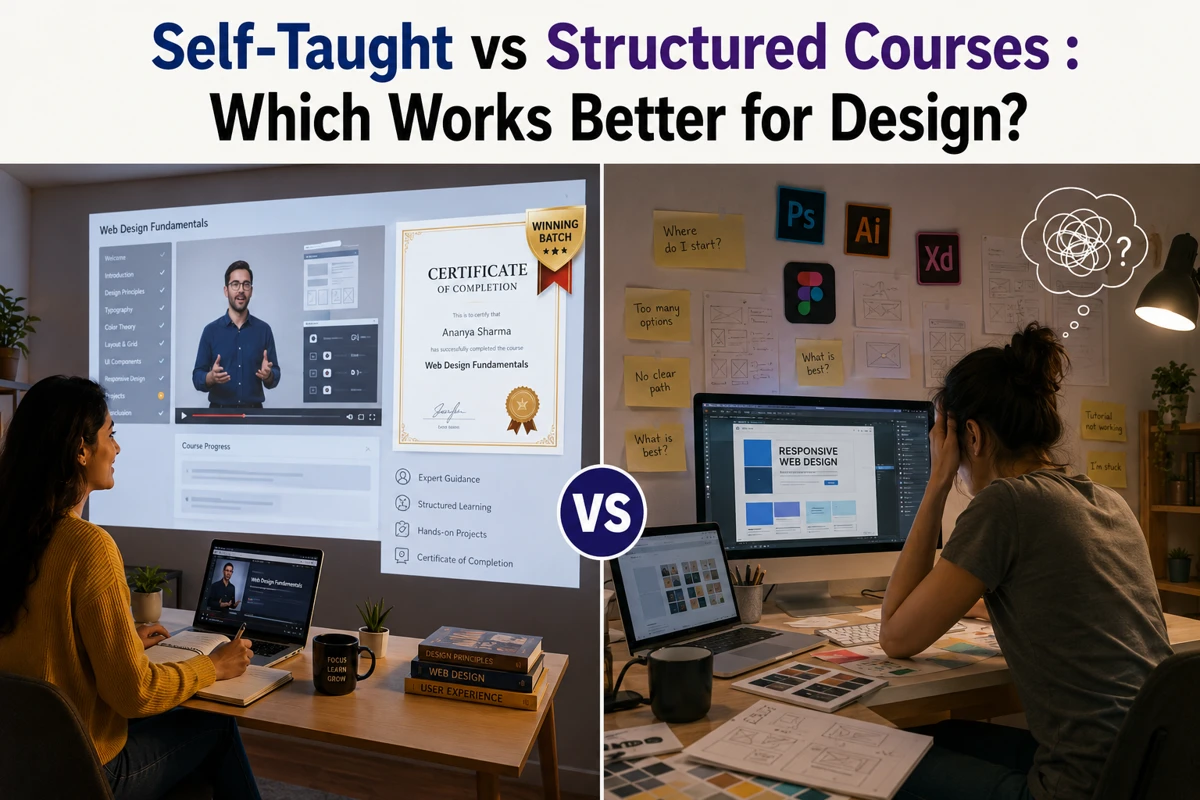
Web design is one of those fields that looks straightforward from the outside. You make websites look good, right? Not quite. A good web designer brings together visual creativity, technical know-how, and a genuine understanding of how people actually use the web.
The tricky part is knowing where to start. There are so many skills thrown around online that it’s easy to feel like you need to learn everything at once (you don’t, thankfully).
This article breaks down the web design skills list that make a difference. So you can focus your energy on the right places and build a portfolio worth showing off.
The Web Design Skills List: Where Do You Even Start?
A solid web design skills list covers a lot of ground, from UX and graphic design principles to basic coding and the design tools professionals use every day. The good news is you don’t need to master all of it overnight.
Here are the foundational skills every web designer should start building first.
UX and Design Principles: The Foundation Most Designers Skip

Most aspiring web designers jump straight into design tools without ever stopping to ask why certain layouts work better than others. That’s where UX knowledge becomes genuinely valuable.
User experience knowledge helps you design websites that users can navigate instinctively, not just admire visually. Research has found that users can form an opinion about a website in as little as 50 milliseconds, which shows how quickly design choices influence trust and engagement.
When you apply design principles early, like how information is grouped or where a CTA sits on the page, you end up with work that needs far fewer revisions down the track.
Technical Skills: Do You Really Need to Learn Programming Languages?
Knowing even basic HTML and CSS gives you more independence, better communication with developers, and a stronger final product. You don’t need to be a full-stack web development expert to get real value from coding knowledge.
Here’s a quick look at the coding skills most designers find useful and how deep you realistically need to go:
|
Skill |
What It Does |
How Deep to Go |
|
HTML |
Structure web content and page elements |
Solid working knowledge |
|
CSS |
Controls visual design and layout styling |
Solid working knowledge |
|
JavaScript |
Adds interactivity and dynamic functionality |
Basic familiarity is plenty |
CMS Platforms | Content management systems like WordPress | Comfortable day-to-day use |
Programming languages like JavaScript are worth exploring eventually, but honestly, start with the basics. A little coding knowledge goes a long way when it comes to building websites that actually do what you promised.
Graphic Design: The Visual Language Behind Every Good Website

Graphic design principles like hierarchy, contrast, and white space directly influence how readable and professional a website looks. Before a visitor reads a single word, your graphic design choices have already made an impression.
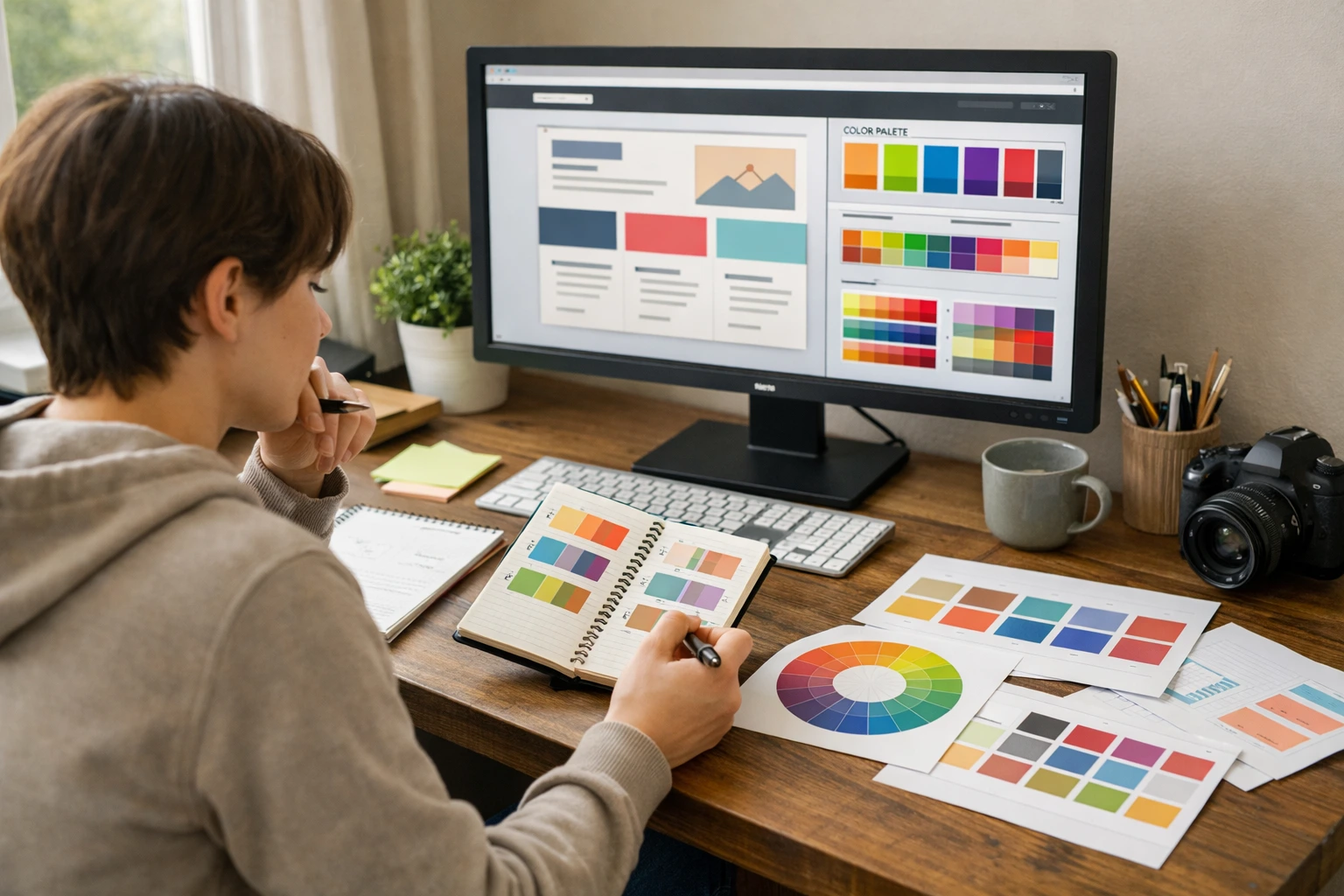
In our experience working with Australian small businesses, the designers who struggle most are often those who skipped the graphic design fundamentals early on. Things like colour theory, font pairings, and visual elements might seem like small details.
However, strong graphic design skills will help you move beyond templates and create work that actually reflects a client’s brand identity. And that, particularly for small businesses trying to stand out, is a valuable skill to bring to the table.
Build Websites People Actually Use: The Practical Side of Design
Knowing the right design tools and understanding mobile and accessibility requirements makes you far more valuable to any client. This is where the technical side of web design meets real-world practice.
Design Tools and Software Every Freelance Web Designer Should Know
Most designers rely on a core set of design software to get their work done. Here are the tools worth getting familiar with early:
- Figma: The industry standard for prototyping and wireframing. It’s free to start with, which makes it the go-to for most designers just getting their footing.
- Adobe XD: A solid option for designers already working within the Adobe ecosystem, particularly for presenting interactive prototypes to clients.
- Webflow: Bridges the gap between design and web development, which enables designers to build responsive websites without extensive coding.
- WordPress: One of the most widely used content management systems globally, and a platform that small business owners constantly ask for.
Multiple design tools make you more adaptable across different projects. The more comfortable you are switching between software, the smoother your design process becomes.
Mobile, Accessibility, and the Things Clients Will Ask About

If you’ve ever pulled up a website on your phone and immediately clicked away, you already understand why mobile design matters. As of 2026, 51.04% of global web traffic comes from mobile devices, so this is not an area to leave as an afterthought.
Mobile design requires a genuinely different mindset from desktop. Interaction design elements like hover effects simply don’t exist on touchscreens, so you need to think through those design decisions early in the process. A CTA that works beautifully on desktop might be completely out of thumb’s reach on a phone.
Web accessibility is just as important. It ensures all visitors, including those with disabilities, can use a website without unnecessary barriers. Familiarity with WCAG guidelines is worth building up, particularly because in some parts of the world, clients can face legal trouble for running inaccessible sites.
Ready to Put These Skills to Work?
Building a web design career comes down to consistently developing the right skills and knowing where to get proper guidance. This article covers important skills such as user experience, graphic design, branding, and prototyping. Together, these skills separate successful web designers from those who only know how to use design software.
Web design rewards those who keep learning. The tools, trends, and client expectations shift most people’s expectations, thus staying across those changes is what keeps a web design business growing.
Here’s a quick recap of what to focus on first:
- Learn the fundamentals of user experience and graphic design principles before anything else
- Get comfortable with at least two or three design tools, starting with Figma
- Build basic HTML and CSS coding skills to work more independently
- Understand branding and mobile design to deliver work that clients actually value
If you’re ready to learn web design properly and build skills that hold up in the real world, Class Room Encounters has the resources and expertise to help you get there.