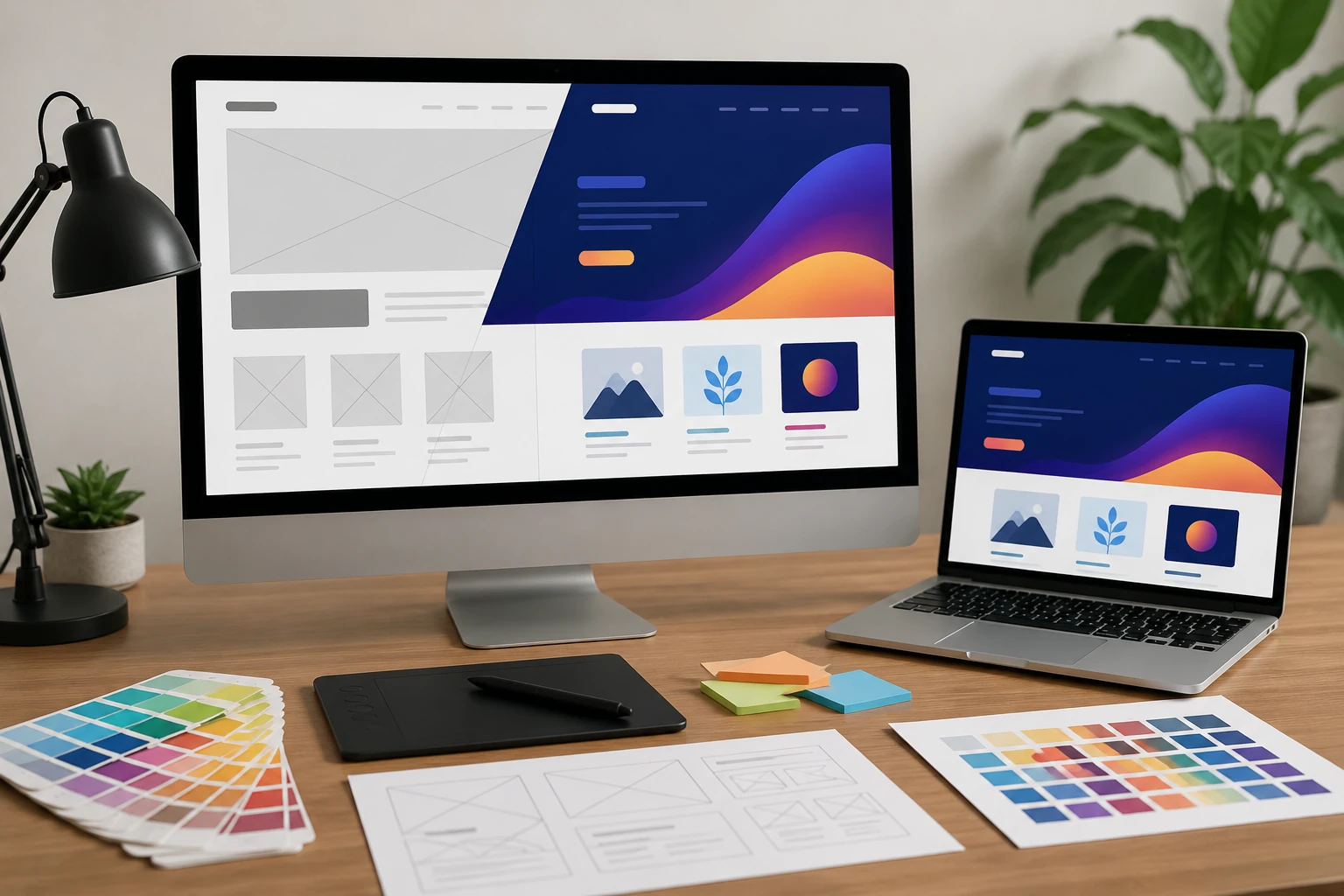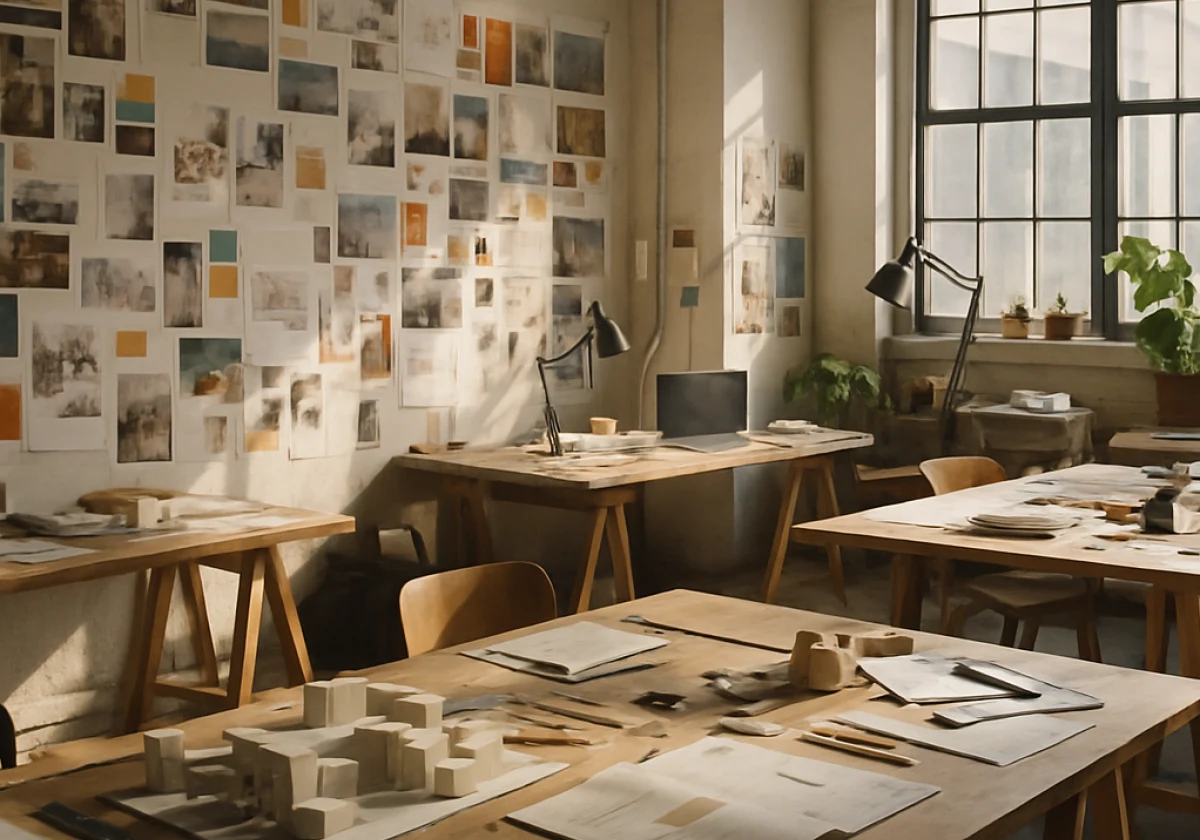
Designers improve their creative process by defining the problem and planning each stage before starting design work. That early thinking decides whether the weeks ahead run smoothly or collapse into costly rework.
Yet plenty of teams jump straight to sketching and disagree about project goals after completing much of the work. At Classroom Encounters, we watch that pattern repeat across student projects and professional studios alike.
This guide covers the stages, the methods worth comparing, and the brief that keeps everyone pointed the same way. Let’s get into it.
Why Does a Clear Design Process Improve Creative Work?
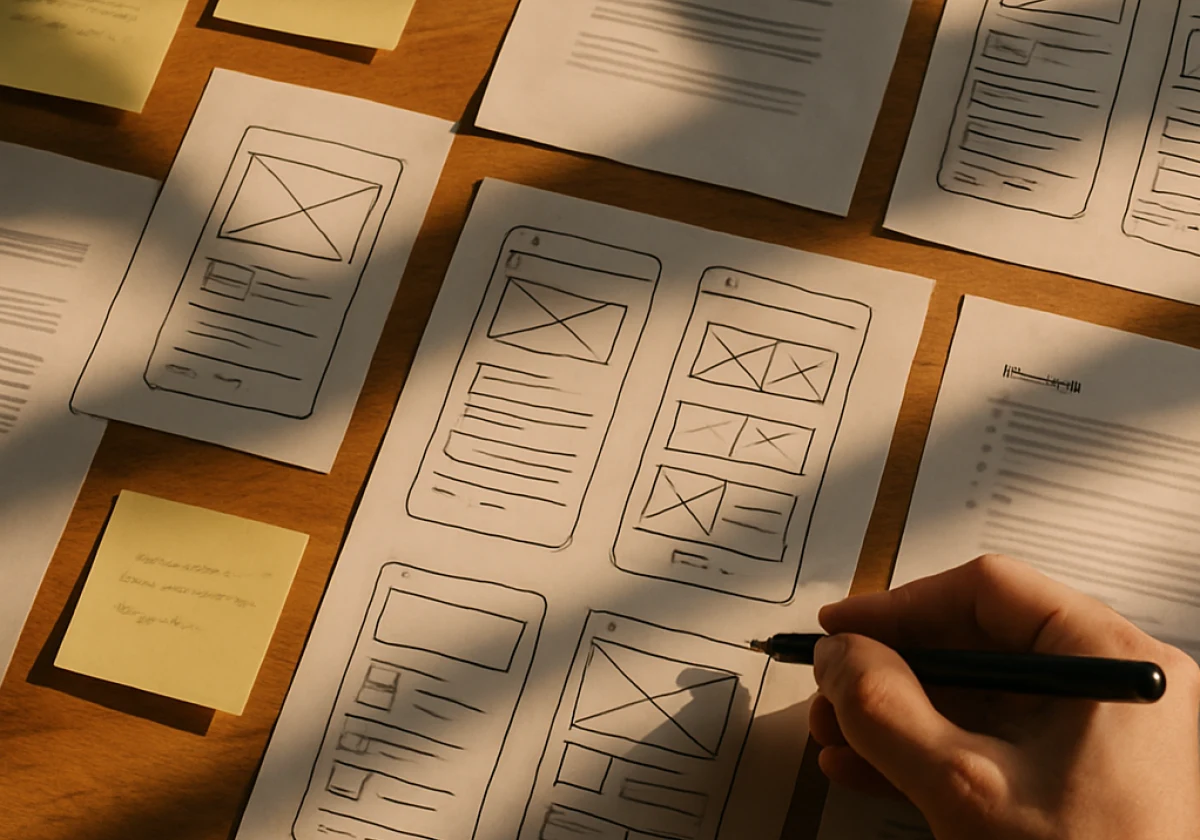
A clear design process improves creative work by organising research, idea development and testing into defined stages. With an established process, teams build on previous projects instead of starting from scratch or repeating past mistakes.
Before choosing a method, it helps to understand three parts of the process in more detail:
The Five Stages of the Design Process Most Teams Share
The design process usually runs through five stages: empathise, define, ideate, prototype and test. Teams may revisit earlier stages when testing reveals new issues. For example, user research helps teams define the problem before developing possible solutions.
In practice, the first two stages take longer than beginners expect because research and problem definition need careful attention (many teams spend a large share of the timeline here). Skipping ahead to prototyping can leave important questions about user needs and project goals unanswered.
Beyond screens, engineers follow the same sequence in the engineering design process, swapping sketches for calculations. These shared activities make the process useful across product design, engineering and other creative fields.
What Does Design Thinking Add to Your Creative Workflow?
Design thinking encourages teams to understand user needs and test possible solutions with the people who’ll use them. Early ideas become cheap experiments rather than decisions you have to defend.
Because of this, teams generate ideas faster and drop weak ones early, so the schedule stays safe once build work starts. In one of our sessions, a 10-minute paper test helped identify problems before the team started development (paper beats pixels when you need honest early feedback).
Simply put, you apply design thinking on top of whatever method your team already uses. A designer gains most when the problem is messy, and user needs are unclear.
Spotting the Gaps in Your Current Design Approach
You spot gaps by asking where your last project stalled and what people were missing at that moment. Most teams name the same causes: vague briefs, late feedback and design research nobody opened.
To be specific, count how many times the team changed direction after the work had started. If that sounds like your last deadline, you are in familiar company, and the fix sits earlier than you think.
From there, write your process steps down and mark the step where the design approach breaks. Shared design principles help here, because they give everyone one yardstick for judging the work.
Design Methods Compared: Design Thinking, Double Diamond and Agile

Different design methods help teams organise research, problem solving and development in different ways. The table below lines up the three options designers reach for most often:
| Method | Best Suited For | Main Stages |
|---|---|---|
| Design Thinking | User problems with unclear causes | Empathise, define, ideate, prototype, test |
| Double Diamond | Broad briefs that need scope control | Discover, define, develop, deliver |
| Agile | Products shipping in short development cycles | Plan, build, review, iterate |
The right choice depends on how clearly you understand the problem and how your team plans to work. You can also combine methods as the project moves forward.
Bottom Line: Use the Double Diamond model while the brief is still vague, then switch to Agile once the product direction settles. A design sprint can help teams test a proposed solution before committing to development.
Define the Problem and Set the Design Brief Before You Start

Projects often run into trouble before the first sketch because teams haven’t agreed on what they’re trying to solve. Without these details, team members may work toward different outcomes.
The following four steps help teams set a clear direction before work begins:
- Write a One-Line Problem Statement: Start by naming who faces the problem, what they struggle with, and why it affects them. If your team can’t explain the problem in one sentence, more research may be needed before design begins.
- Research Users and Stakeholders: Short interviews with six to eight people can reveal patterns that surveys might miss. These conversations also help your team understand what users need and where their current experience falls short.
- Agree on Constraints and Deliverables: Budget, deadlines, file formats, and handoff dates should all appear in the brief. Clear limits help everyone make design decisions and prevent disagreements once the project moves forward.
- Set Feedback Checkpoints: Agree on review dates early, so your team can catch problems before they affect later stages. Regular feedback also gives designers time to adjust their work instead of waiting until the final review.
A useful design brief should guide the team throughout the project, not sit untouched after the first meeting. As user research reveals new details, update the brief to reflect what you’ve learned.
Keep those changes in one shared document so everyone works toward the same goals. This helps prevent confusion, reduces unnecessary revisions, and keeps the final design closer to what users need.
Building Visual Design Stages Into Your Design Process
With the problem defined and a method chosen, you can map the visual design stages that follow. Start with rough sketches, then develop wireframes, mockups and a clickable prototype. Each one answers a narrower question, and the principles of design guide your calls.
From there, interaction design decides how screens respond to taps, swipes and errors. That’s where most teams find real gaps in the user experience. We have watched a single colour and spacing pass lift task completion, and testing with five users uncovers about 85% of usability problems.
Meanwhile, keep the handoff in view while the visual work is still moving. Developers need finished screens alongside spacing rules, component states and naming conventions. Record these details as the design develops so developers can refer to them during implementation (your future self will thank you for these notes).
Because of this, treat the visual stages as part of product development rather than decoration bolted on at the end. Follow the process the design team agreed on, and the build stays steady.
Give Your Next Project a Process Worth Reusing
A clear design process gives creative work a backbone that survives tight deadlines and shifting opinions. Planning done before day one pays you back at every later stage.
Pick one method, write the brief and book your feedback dates this week. Small structure beats large intentions every single time.
Classroom Encounters builds practical design and creative learning programs for schools and community groups. Contact our team to plan your next project and give every participant a process they can reuse.